> For the complete documentation index, see [llms.txt](https://docs.groundcover.com/llms.txt). Markdown versions of documentation pages are available by appending `.md` to page URLs; this page is available as [Markdown](https://docs.groundcover.com/automate/connected-apps/incident.io-1.md).
# Rootly
{% hint style="info" %}
This capability is only available to BYOC deployments. Check out our [pricing page](https://www.groundcover.com/pricing) for more information about subscription plans and the available deployment modes.
{% endhint %}
### **Create an Alert Source in Rootly**
1. **Generate an Alerts configuration for groundcover**\
Log in to your Rootly account. Go to "Alerts" -> "Sources"
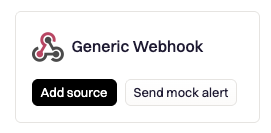
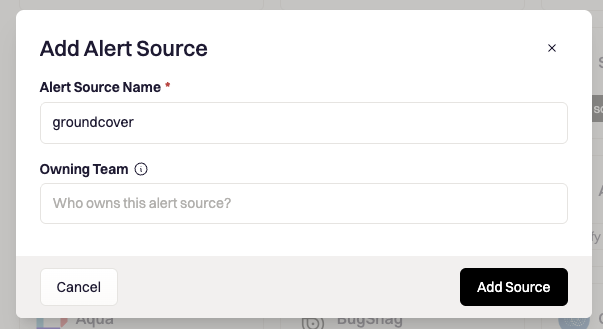
2. Click on + "New Source" and search for Generic Webhook.
3. Add an 'Alert Source Name', e.g. 'groundcover' and optionally also Owning Teams, then click Add Source.
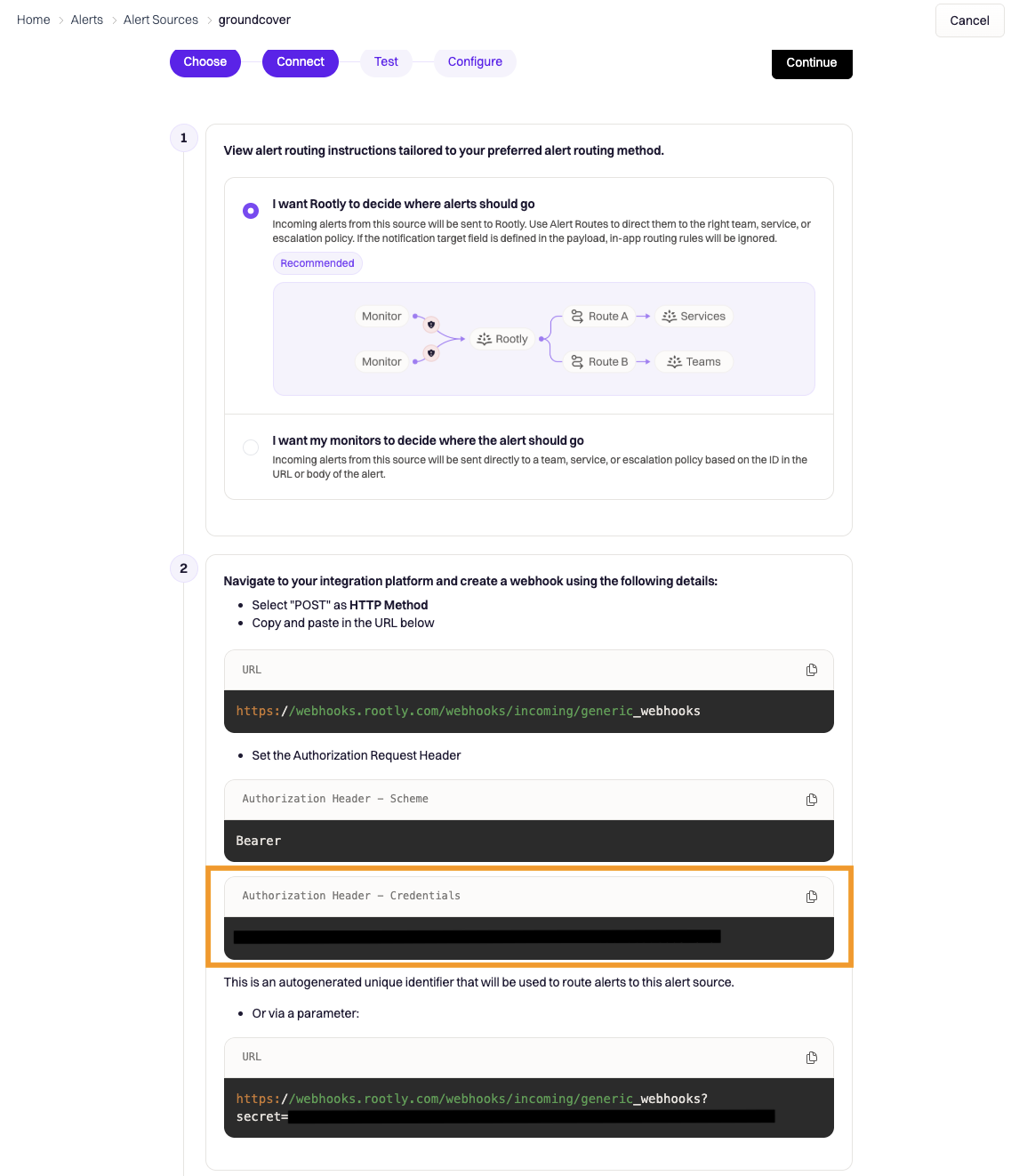
4. Choose your alert routing method.
5. Copy the Authorization Header Credentials**.** Click Continue.
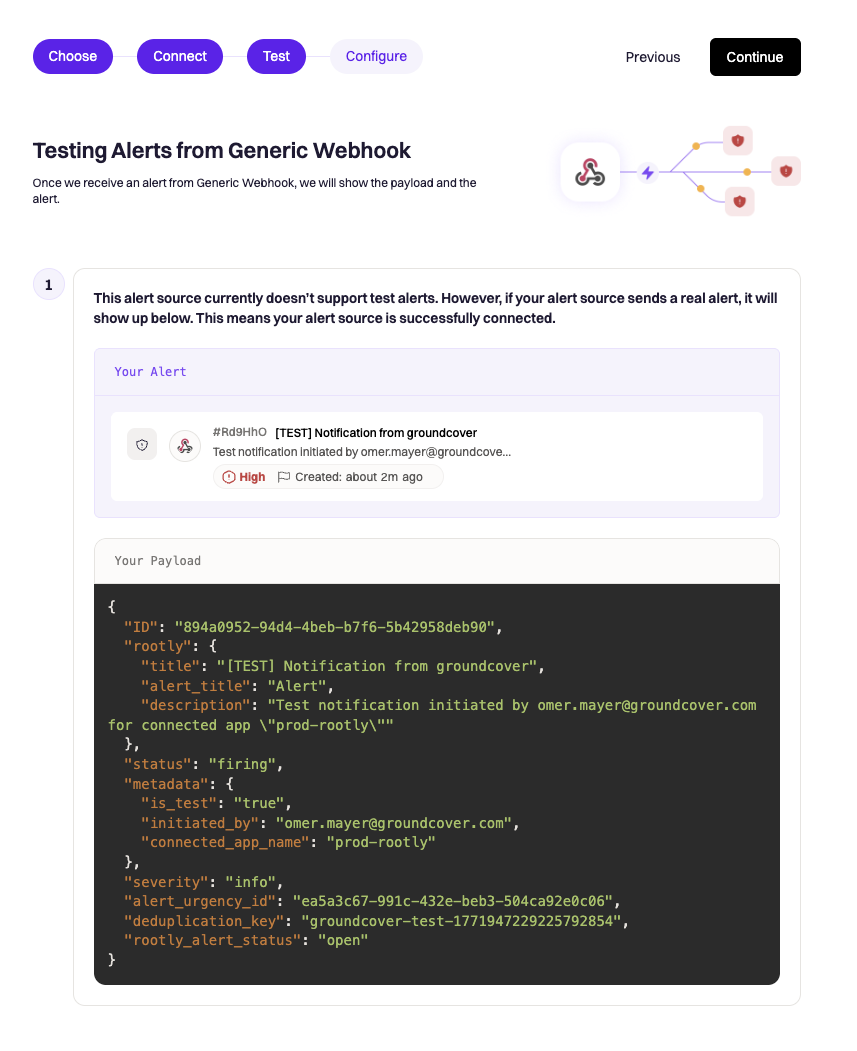
6. (Optional) You can now send a test notification to see the payload that will be received from notifications.
7. Click Continue.
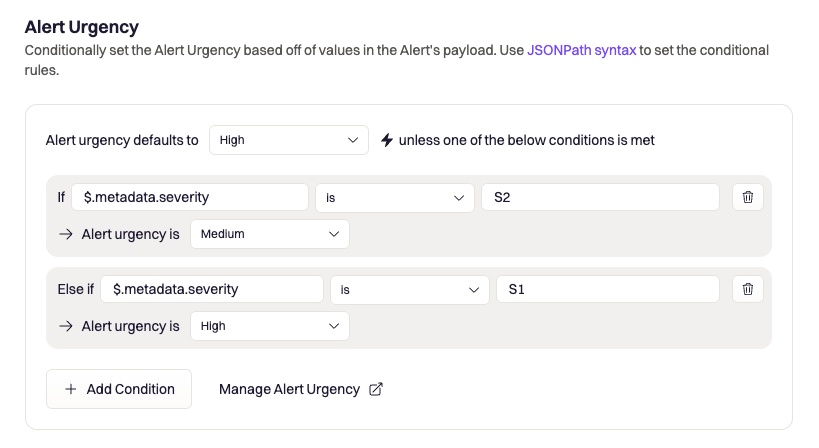
8. (Optional) Define severity mapping to Alert Urgency using `$.metadata.severity`
9. **Important-**
1. Set the Unique Identifier: `$.deduplication_key`
2. (Optional) Toggle on 'Combine duplicate alerts into one alert'
3. Toggle On 'Auto-Resolve' and set:
1. Field location: `$.status`
2. Field value: `resolved`
10. Click 'Save changes'. You should not see your source.
### Create a Rootly Destination in groundcover
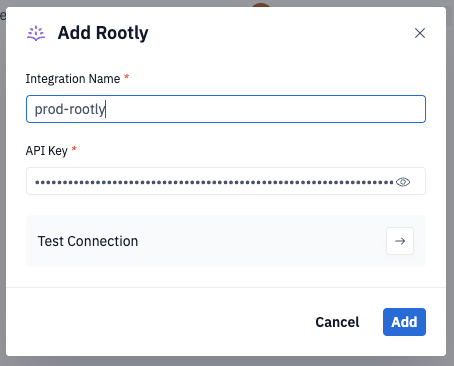
1. Go to: **Integrations → Destinations**
2. Click on Rootly
3. Select a name and paste the API Key
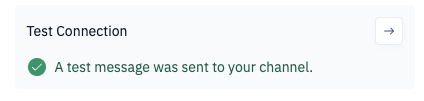
4. (Optional) Test Connection- This will send a notification similar to the notification that will be send by monitors with `[TEST] Notification from groundcover` in the title to differentiate from 'real' notifications.
5. **Save**
### Payload Structure
The payload sent to Rootly includes:
```json
{
"title": "{{ summary }}",
"description": "{{ description }}",
"status": "firing|resolved",
"deduplication_key": "{{ fingerprint }}",
"source_url": "{{ urls.issue }}",
"metadata": {
"severity": "{{ severity }}",
"monitor_name": "{{ monitor_name }}",
"monitor_id": "{{ monitor_id }}",
"value": "{{ value }}",
"threshold": "{{ threshold }}",
"renotification_count": 0,
"labels": {
"cluster": "{{ labels.cluster }}",
"namespace": "{{ labels.namespace }}",
"workload": "{{ labels.workload }}"
}
}
}
```
{% hint style="info" %}
This payload structure is fixed and cannot be customized. Values shown with `{{ }}` are dynamically populated from your monitor configuration. If you need a custom payload structure, use a [Generic Webhook](/automate/connected-apps/generic-webhook.md) instead.
**Test mode:** When using "Test the connection", the `status` field will be "test" and other fields like `value`, `threshold`, and URLs may contain placeholder values.
{% endhint %}
#### Payload Field Reference
| Field | Description |
| ---------------------- | ------------------------------------------------------------------------------------------------------------------------------------------------- |
| `title` | Issue title from the alert |
| `description` | Monitor description with variable expansion |
| `status` | Alert state: "firing", "resolved", or "test" (during connection testing) |
| `deduplication_key` | Alert fingerprint for grouping related alerts |
| `source_url` | Link to investigate the issue in groundcover |
| `severity` | Monitor severity (S1, S2, S3, S4) |
| `monitor_name` | Name of the monitor |
| `monitor_id` | Internal unique ID of the monitor |
| `value` | The value that triggered the alert |
| `threshold` | Configured threshold for the monitor |
| `renotification_count` | Counter for re-notifications (starts at 0) |
| `labels` | Monitor labels as key-value pairs. Only labels defined in the monitor's group-by or custom labels are included; keys may be absent if not defined |
---
# Agent Instructions
This documentation is published with GitBook. GitBook is the documentation platform designed so that both humans and AI agents can read, navigate, and reason over technical content effectively. Learn more at gitbook.com.
## Querying This Documentation
If you need additional information that is not directly available in this page, you can query the documentation by asking a question.
Perform an HTTP GET request on the following URL with the `ask` and `goal` query parameters:
```
GET https://docs.groundcover.com/automate/connected-apps/incident.io-1.md?ask=&goal=
```
`ask` is the immediate question: it should be specific, self-contained, and written in natural language.
`goal` is what the user is ultimately trying to achieve, the reason they need the answer. Sharing it helps GitBook give you a better, more relevant answer. A goal is most helpful when it describes the outcome the user wants rather than restating the question. For example, with `ask=how do I create an API token`, a goal like `automate deployments from our CI pipeline` lets GitBook tailor the answer to that use case.
The response will contain a direct answer to the question and relevant excerpts and sources from the documentation.
Use this mechanism when the answer is not explicitly present in the current page, you need clarification or additional context, or you want to retrieve related documentation sections.

.png?alt=media&token=de06deb6-e593-406c-a24a-0b23469d280d)